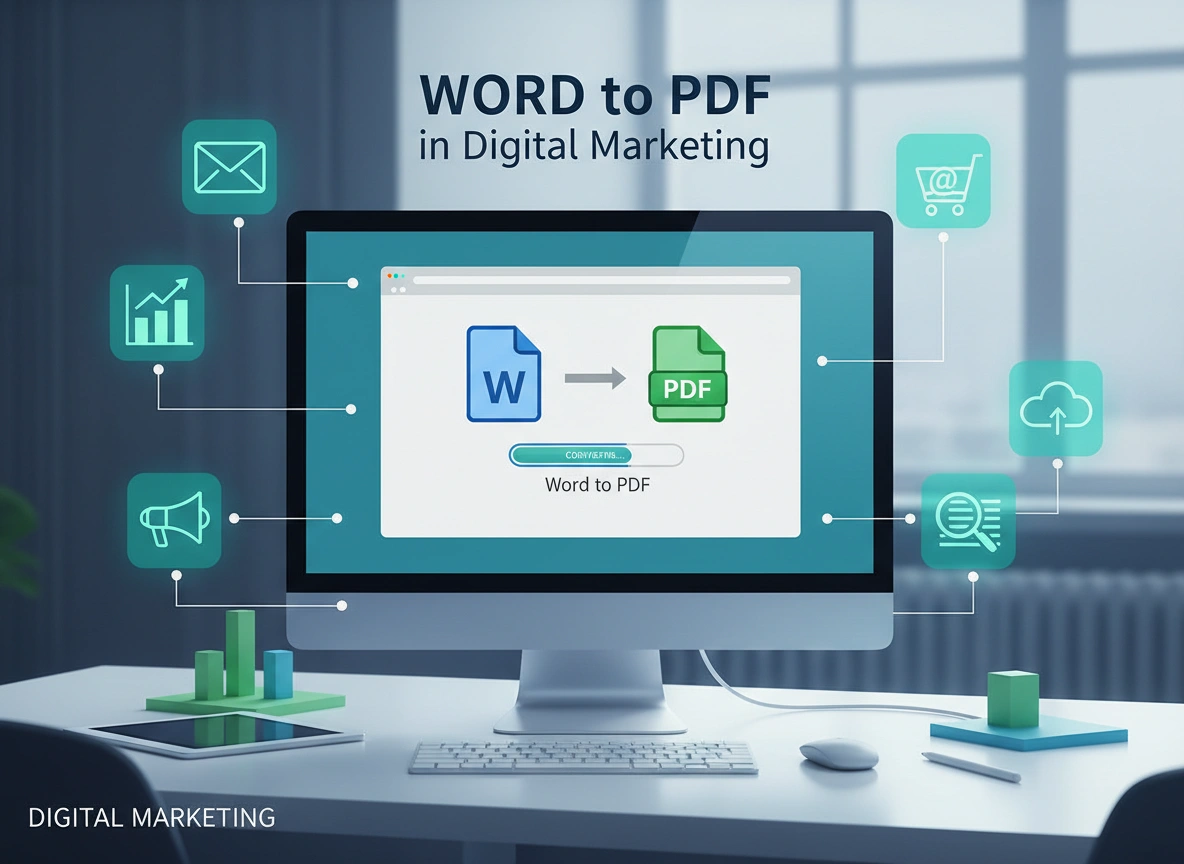
In digital marketing, presentation is everything. You spend hours crafting the perfect whitepaper, ebook, or proposal in Microsoft Word. You adjust the margins, select the perfect fonts, and place images with pixel-perfect precision. But when you hit send, you lose control. If the recipient opens that file on a different device or an older version of Word, your beautiful formatting might crumble. This is where the humble PDF becomes a marketer’s best friend.
Converting Word documents to PDF isn’t just an administrative task; it is a strategic move that protects your brand, enhances user experience, and ensures your message lands exactly as intended. While often overlooked, this simple conversion process plays a foundational role in content distribution and professional communication.
Why Format Matters in Digital Marketing
First impressions happen in milliseconds. When a lead downloads a case study or a potential client opens a proposal, the visual stability of that document speaks volumes about your company’s professionalism.
The Integrity of Design
Digital marketers work hard to maintain brand consistency. This includes using specific fonts, color palettes, and layout styles. Microsoft Word is an excellent tool for drafting and editing, but it is not a fixed-layout format. A document that looks perfect on a Windows desktop might look like a jumbled mess on a tablet or a Mac.
Converting to PDF (Portable Document Format) freezes your design in time. It encapsulates the fonts, images, and layout instructions into a single file that looks identical on every screen. This ensures that the visual hierarchy you designed—which guides the reader through your persuasive copy—remains intact.
Professionalism and Trust
Sending a raw Word file (.docx) can sometimes signal a “draft” status. It implies the document is still open for editing. In contrast, a PDF signals a finalized, published state. It tells the recipient, “This is ready for consumption.” This subtle psychological cue builds trust. It shows you care about the end product and value the reader’s experience.
Strategic Use Cases for Word to PDF Conversion
Marketers use Word to PDF conversion daily, often without realizing its strategic importance. Here are several key areas where this conversion is vital.
1. Lead Magnets and Ebooks
Lead generation is the lifeblood of digital marketing. Marketers frequently create valuable content—ebooks, checklists, and guides—to exchange for email addresses.
Most of these assets start their life in a word processor. Writers and editors collaborate in Word because of its robust “Track Changes” features. However, offering a .docx file as a download is rare and unprofessional. By converting that final draft to PDF, you create a polished digital asset. It prevents accidental edits by the user and ensures the branding elements (logos, headers, footers) remain unalterable.
2. Proposals and Contracts
In B2B marketing and sales, the proposal is the closing argument. You might draft a custom scope of work in Word, tailoring the language to the client’s specific pain points.
When you send that proposal, you need absolute certainty that the pricing table hasn’t shifted to the next page, leaving an awkward gap. You also want to ensure the terms aren’t accidentally modified. Converting to PDF locks the content. Furthermore, modern PDFs support e-signatures, streamlining the conversion from “prospect” to “client.”
3. Press Kits and Media Releases
When pitching to journalists or influencers, you want to make their job as easy as possible. A media kit often includes bios, fact sheets, and press releases. While the body of an email might contain the pitch, the official press release often accompanies it as an attachment. A PDF ensures that the journalist sees the formatting exactly as you intended, preserving the professional look of your official company statements.
Enhancing User Experience (UX) and Accessibility
User experience extends beyond your website. It applies to every digital touchpoint, including the files you ask users to download.
Cross-Platform Compatibility
We live in a mobile-first world. A significant portion of your audience will open your emails and content on smartphones. Word documents can be notoriously difficult to view on mobile devices without specific apps installed. PDFs, however, are universally supported. Almost every modern browser and mobile operating system has a built-in PDF viewer.
By converting your marketing materials to PDF, you remove friction. The user clicks, and the document opens. They don’t need to download an app or worry about compatibility errors. This seamless experience keeps the user engaged with your content rather than frustrated by the technology.
Accessibility Standards
Accessibility is a moral and legal imperative in digital marketing. While Word has accessibility features, PDFs can be optimized to be highly accessible for screen readers used by visually impaired audiences.
When you convert a properly structured Word document (using heading styles H1, H2, etc.) to PDF, those tags can be preserved. This allows screen readers to navigate the document logically. Creating accessible PDFs broadens your audience and demonstrates inclusivity.
Security and Content Protection
Marketers often deal with sensitive information or proprietary methodologies. The Word to PDF conversion process offers a layer of security that raw text documents lack.
Read-Only Permissions
While no file format is completely hack-proof, PDFs offer robust security settings. You can encrypt a PDF with a password, restricting who can open it. More commonly in marketing, you can restrict permissions to prevent copying, editing, or printing.
If you are distributing a high-value proprietary report, you might want to ensure competitors cannot simply copy-paste your data into their own work. Converting to PDF allows you to lock the text selection, adding a hurdle that protects your intellectual property.
SEO Benefits of PDF Files
Many marketers forget that search engines crawl PDFs just like they crawl web pages.
Indexable Content
If you upload a Word document, Google can index it, but PDFs are generally preferred for “final” content. When you convert a text-rich Word doc to PDF, the text remains searchable (unless you save it as an image-only PDF, which you should avoid). This means your whitepapers and case studies can rank for long-tail keywords, driving organic traffic directly to your high-value assets.
File Name and Metadata
During the conversion process, you have the opportunity to optimize the file. Saving a file as Marketing_Strategy_FINAL_v3.pdf is a missed opportunity. Instead, using descriptive filenames like 2024-digital-marketing-trends-guide.pdf helps search engines understand the content. Additionally, you can edit the properties of the PDF to include a meta title and description, further boosting its SEO potential.
Tips for Marketers: Leveraging Word to PDF Effectively
To get the most out of this format, marketers should follow a few best practices during the creation and conversion process.
1. Master the Source File
The quality of your PDF depends entirely on the quality of your Word document. Use high-resolution images. If you use low-quality screenshots, they will look blurry in the final PDF. Use Word’s built-in styles for headings rather than just manually bolding text; this ensures the PDF has a proper navigation structure (bookmarks) automatically created during conversion.
2. Check Your Hyperlinks
Digital marketing content is meant to drive action. You want readers to click through to your landing page or contact form. Before converting, double-check that all hyperlinks in your Word document are active and point to the correct destination. After conversion, always test the links in the final PDF to ensure they survived the transition.
3. Optimize File Size
High-resolution images look great, but they create massive files. A 50MB ebook is a burden for a user on a mobile data connection. Most PDF conversion tools (including the “Save as PDF” function in Word) offer options to optimize for “Standard (publishing online and printing)” or “Minimum size (publishing online).” Choose the option that balances visual quality with a downloadable file size. Tools specifically designed for PDF compression can also help reduce bulk without sacrificing quality.
4. Keep the “Live” Text
Avoid “printing to PDF” if it flattens the text into an image. You want the text to be selectable so users can copy a quote to share on social media. You also want search engines to be able to read the text. Ensure your conversion method preserves the text layer.
5. Branding the Metadata
Before you export from Word, go to File > Info and update the “Title,” “Author,” and “Subject” fields. This metadata often travels with the PDF. When a user opens the file, or when Google indexes it, you want your brand name and the correct document title to appear, not “Author: User” or a blank title.
Conclusion
The conversion from Word to PDF is a small step in the content creation workflow, but it carries significant weight. It is the bridge between a working draft and a professional asset. It safeguards your design, ensures your message is accessible to everyone regardless of their device, and signals to your audience that your brand values quality.
By understanding the strategic role of this format—from lead magnets to contracts—digital marketers can ensure their hard work is presented in the best possible light. In a digital landscape where attention is scarce, the stability, security, and professionalism of a PDF can make the difference between a lead lost and a deal closed.

